Trusted Adviser in Information Technology & Business with a focus on Native American success. IBMer, Tribal Business Expert, STEM Educator, and Fly-fisher!
I traveled to Gaithersburg, MD on Southwest Airlines today for work this week and was pleasantly surprised to run into a great group of people on a special trip.
There were about 80 people in the group and almost all of them had served in World War II. The organization called Honor Flight Northern Arizona & Honor Flight Network is a non-profit that have been taking WWII veterans to Washington DC to see their own memorials. Southwest Airlines also supports this organization.
Here is a bit of video I shot on the plane showing the fun time they had in supporting those that help provide for our freedom.
Too bad my grandfather (who came back from what went on in Bataan) is not around to enjoy something like this.
Thank you veterans for all that you sacrificed for our freedom!
For all the folks who liked the fly fishing movie “A River Runs Through It” (I did) there is a new movie coming with a similar fly-fishing theme “A River Why”. No clue when the release date is, but I’m sure it’s soon. Thanks to Jason Borger for posting on his blog, seems he had the inside scoop since he makes a cameo appearance 39 seconds into the trailer.
My dad was visiting from Florida for more than a week, so it was a great opportunity to interview him and ask random questions to help me and my kids understand his family history as he knew it. All total I have about 6 hours of recording just talking with dad, I learned many new things that I did not know before.
Since both my dad and I wear baseball caps, it was a excellent chance to use the Hat Mic technique and my Olympus LS-10 as detailed in a previous post here.
There was a fair amount of road noise in the recording from the Toyota Tundra truck. I also noticed that the road noise level changed as the truck went over bridges and rougher patches of road.
Here is a sample of the recording so you can hear what this particular setup sounds like.
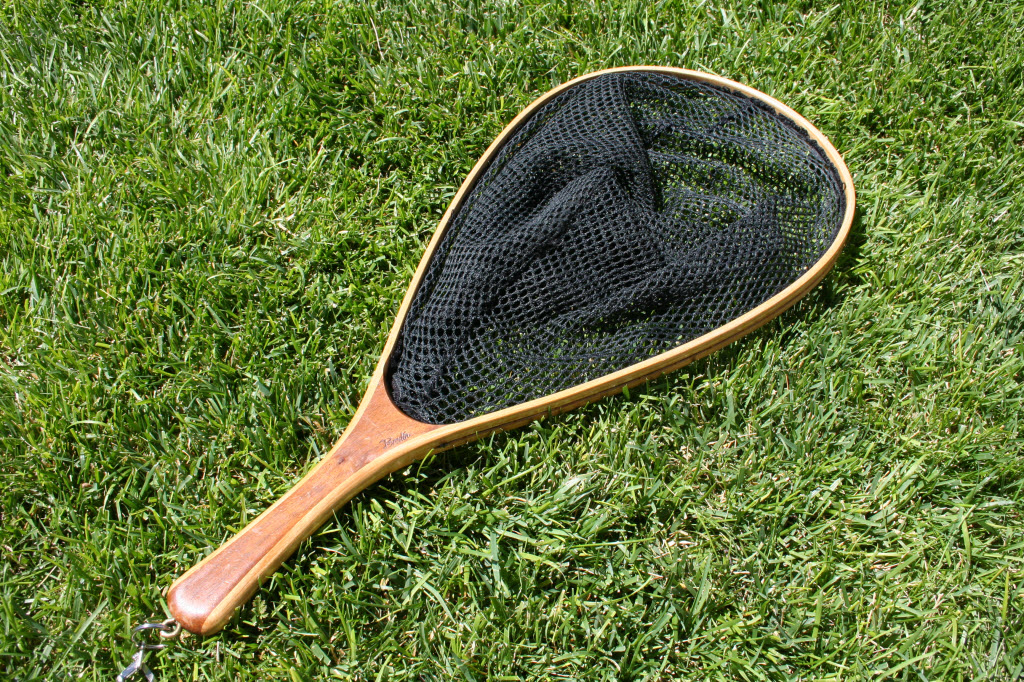
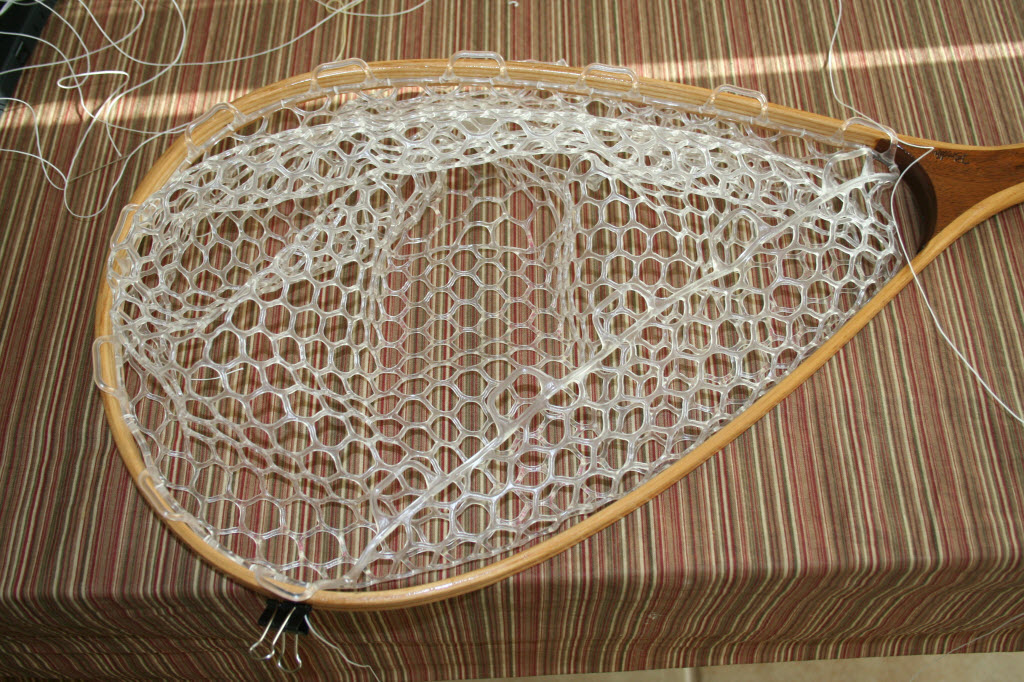
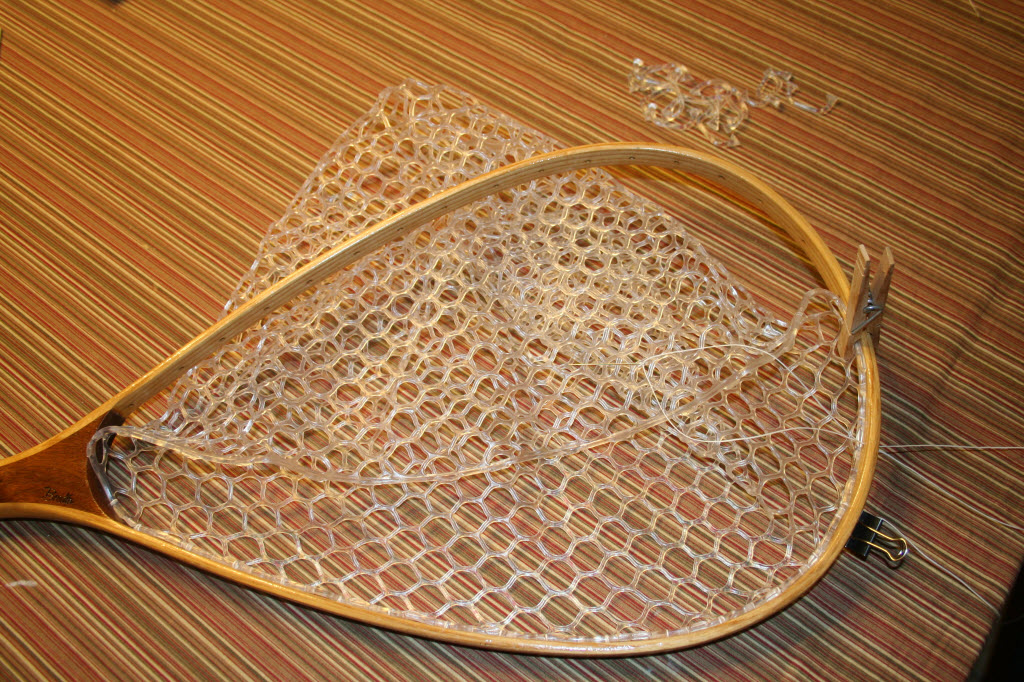
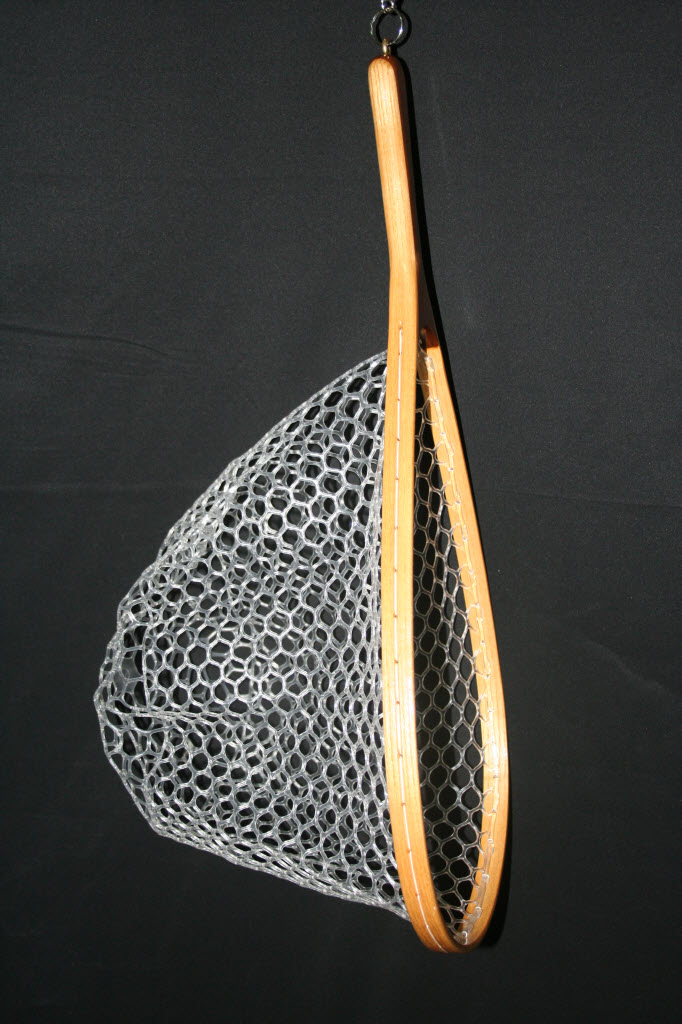
I recently ordered a medium Ghost net bag replacement (39 inch circumference at $29 total, the $5 shipping/handling is not disclosed on their website at all) to change out the net on my Brodin Pro Cutthroat net. If you read my previous post on this net you’ll understand why.
I tried to figure out how I was going to capture the process to share on this blog. Video would have been rather long and just typing the process … well … not too exciting, so what I decided to do is post the pictures of my process and add a voice recording to guide you through the pictures.
My voice recording is included below, all you need to do is play the MP3 file and follow along with the pictures which are part of this post. The audio is 8 minutes and 35 seconds long*.
Sometimes there is a need to record the content of another presenter or a group of presenters, and installing Camtasia on each and every laptop is not practical.
I’ve also seen this solved by using a “presentation” laptop, and often there are issues with the presentation & certain versions of presentation software or fonts or formatting. I’ve done this once and at the end of the recording one presenter was confused with what was seen on the screen, did something and subsequently deleted the recording before I could get to the laptop to save it.
Another solution to this (and one of the more ideal) is through various pieces of hardware like VGA splitters and Frame Grabbers to go along with laptop and projector. I’ll do a separate post on this later.
One of the more inexpensive solutions to recording content on a remote laptop is to use remote desktop software, in most cases I use VNC since I can connect to Windows, Mac, and Linux based laptops (it’s also free from realvnc.com, though this version does not have encryption). My other choice when using Windows only is to use remote desktop.
All of this screen capturing is done over a wired or wireless TCP/IP network, and requires a fair amount of bandwidth on the local subnet. If you were to do this across the internet or intranet, the latency of screen refreshes goes up which could impact the live recording and slow down the presenter.
Below is a little video I put together to summarize what I’ve done with VNC and Camtasia (PC & Mac setup/demos). In addition I’ve included pictures of my wireless audio setup to capture the audio at the same time as the video.
The hardware pictured is of a Shure PGX wireless microphone system connected via a XLR cable to a Centrance MicPort Pro pre-amplifier which then connects USB to the laptop and appears to the system (and Camtasia) as a external microphone.






 Dominic Pruitt